Step into a virtual sanctuary designed for deep discussions on faith, philosophy, and existence.
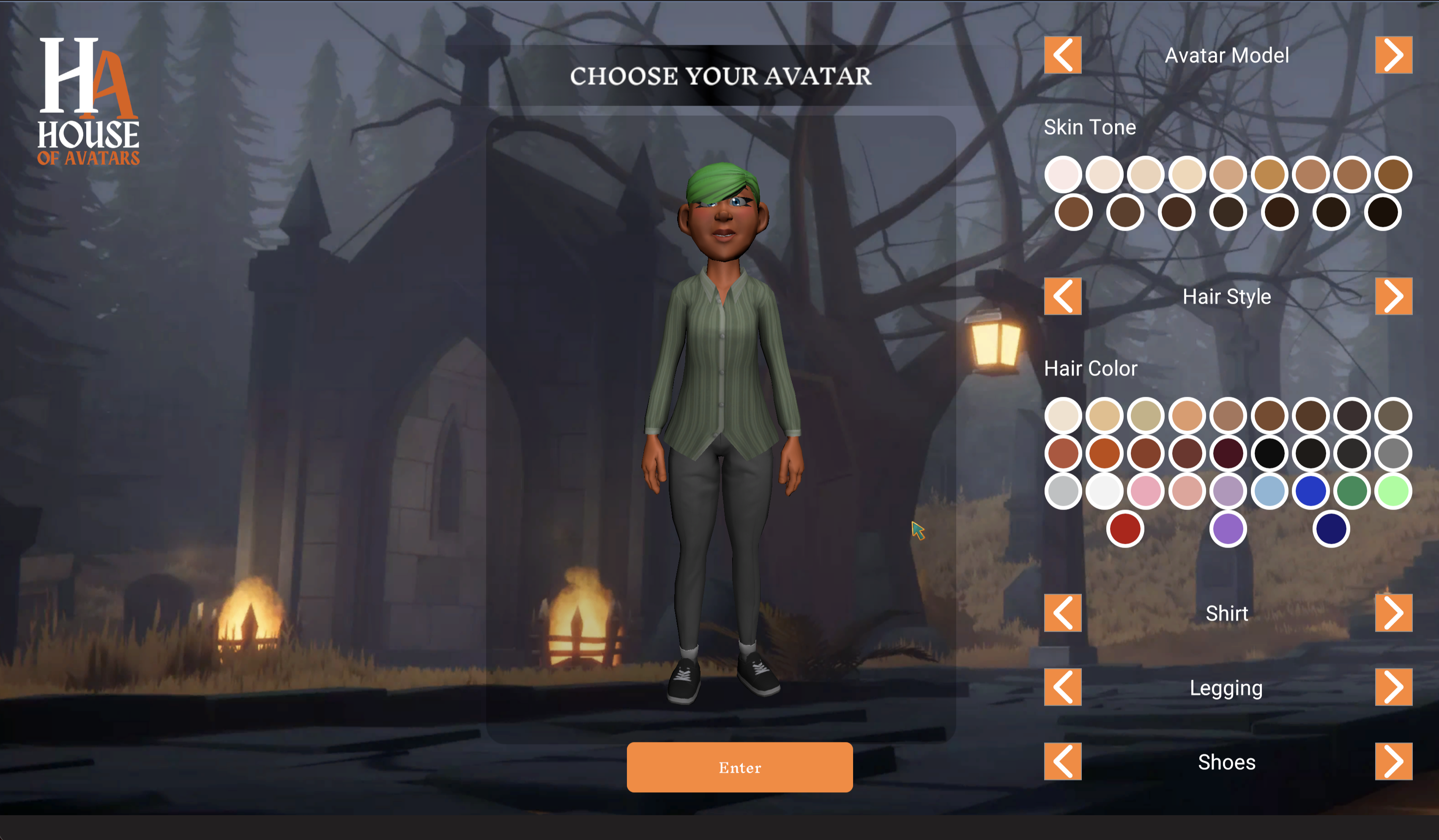
ENTER ENVIRONMENTBefore you cross the threshold, define your presence. Customize your 3D avatar to represent yourself in the community. Whether you seek quiet reflection or active debate, your journey begins here.
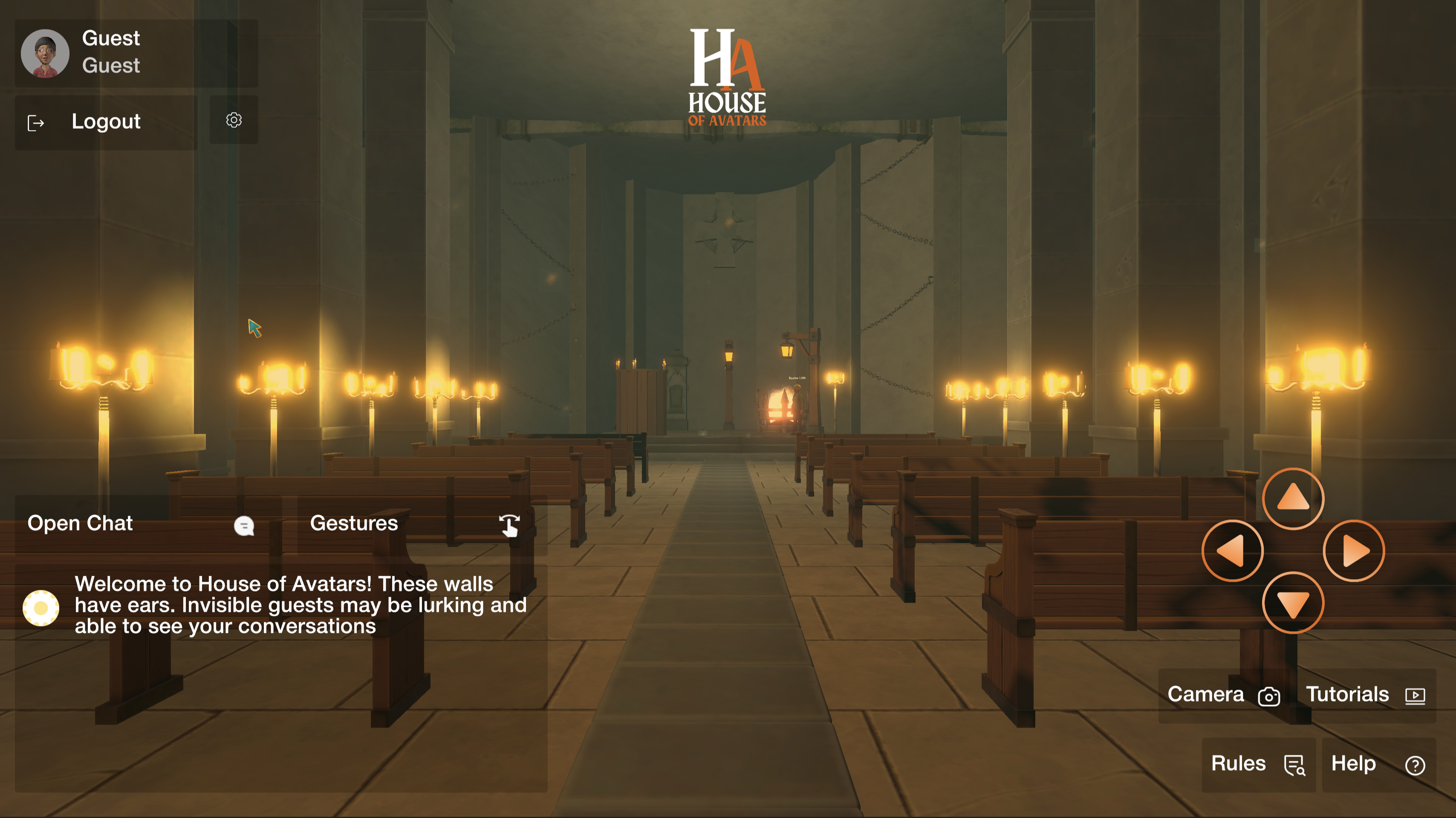
A quiet, torchlit space open to guests and registered members alike. Take a seat in the pews, light a candle, and join a global conversation. Remember, these walls have ears.
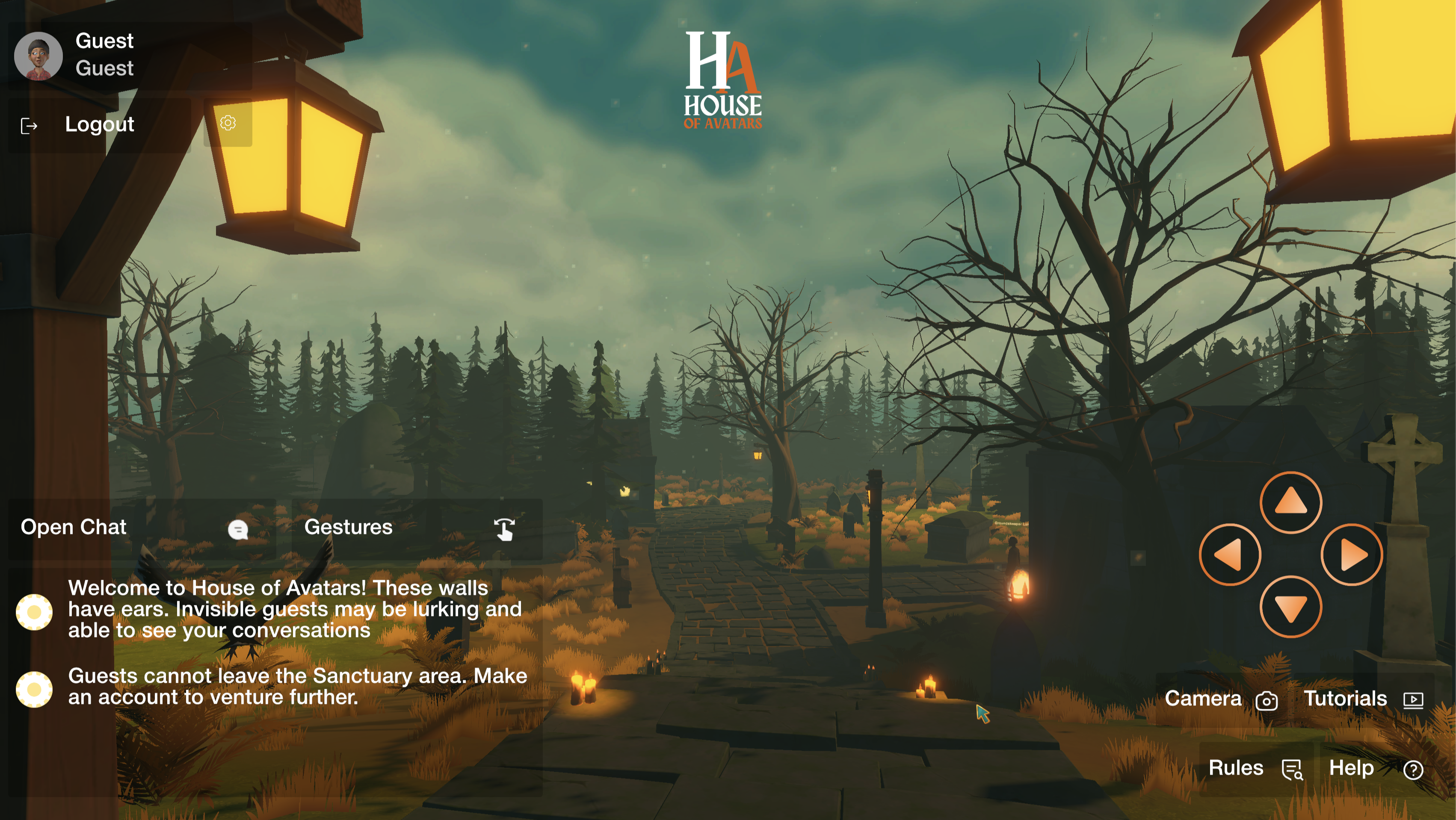
Venture outside the sanctuary into the fog. Registered users can explore deeper into the atmospheric grounds.
1. Enter the Environment: Create an account or enter as a guest. Select your avatar. Accounts start in the Graveyard; Guests start in the Sanctuary (Guests cannot chat or leave the Sanctuary).
2. Navigation: Click anywhere on the ground to move, or use WASD keys in Camera Mode. Click pews/benches to sit.
3. Camera: Use arrow buttons to rotate. Click the camera icon to toggle First-Person and Third-Person views.
4. Interacting: Hover over candles until 'E' appears, then press E to toggle.
5. Private Prayer: Click the "Pray" tab. Text typed here is not sent to the server and remains entirely private.
Public Chat: Type messages in the chat box when "Speak to people nearby" is selected.
Private Messages (Whispers): Click "Whisper To:" and type the exact, case-sensitive username of the person.
Hosts reserve the right to limit or ban accounts for rules violations.
Hosts are friendly volunteers who maintain a welcoming environment, answer questions, and troubleshoot issues. You can recognize a Host because their username will appear in Red in the chat.
It is not fully optimized for mobile devices, but it may still work depending on your browser. Movement and camera controls are challenging on touch screens. If you plan to chat frequently on a tablet, a Bluetooth keyboard is highly recommended.
Questions, bug reports, or ban appeals? The hosts are listening.